
China computer manufacturers
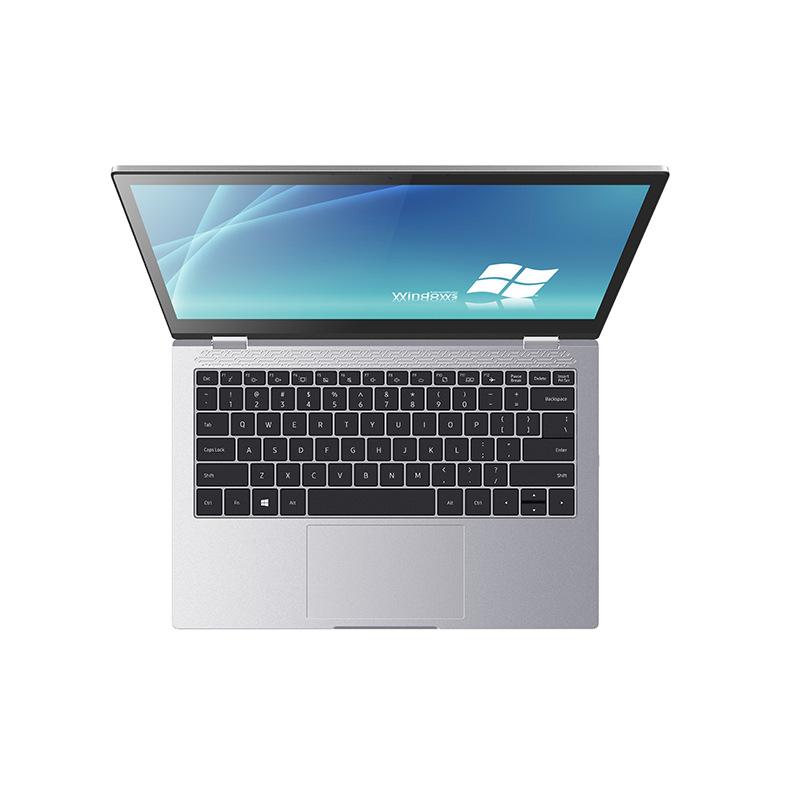
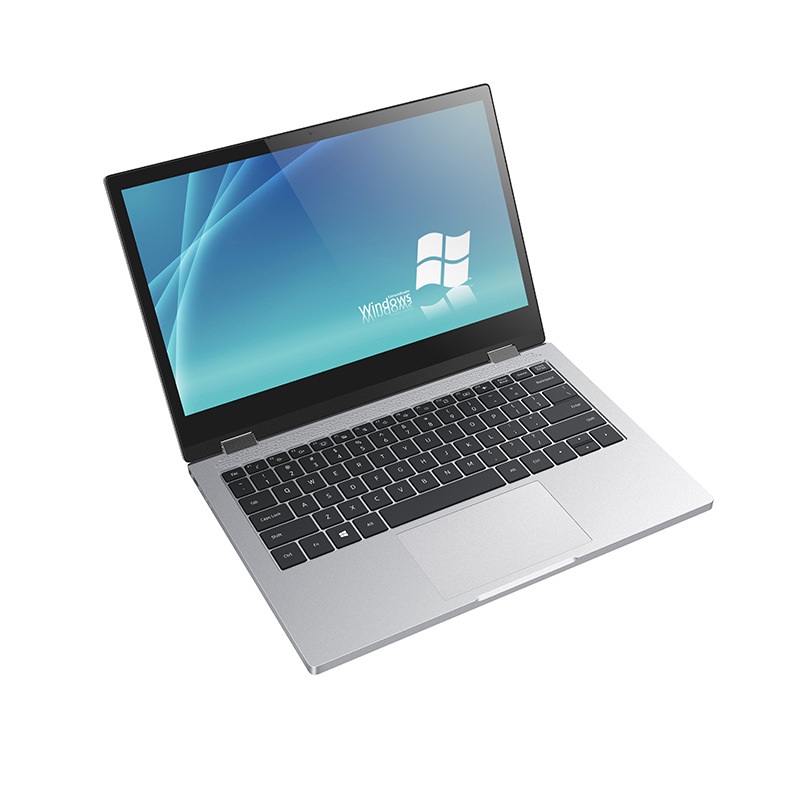
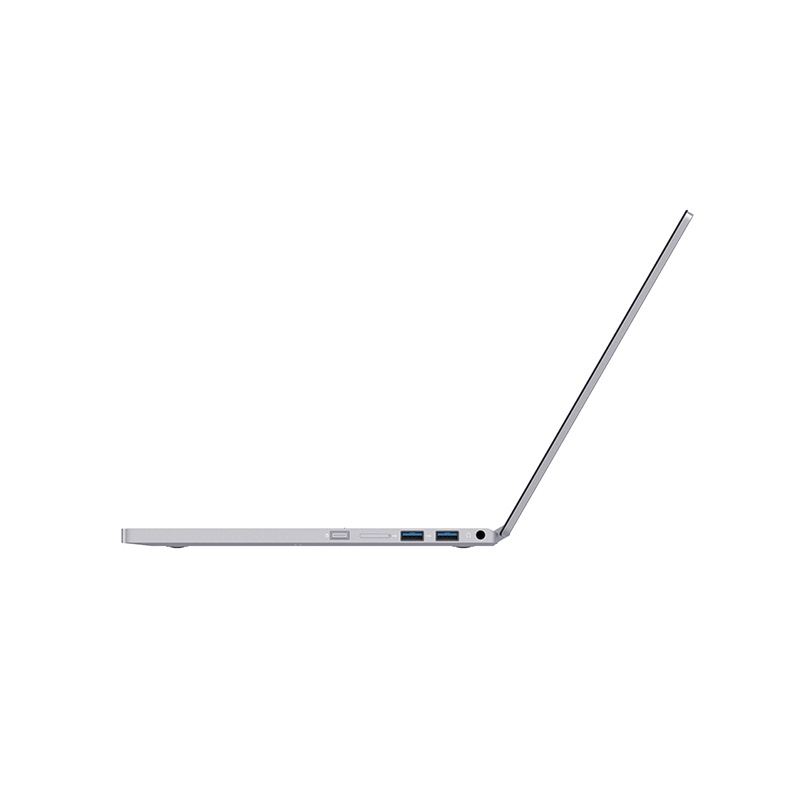
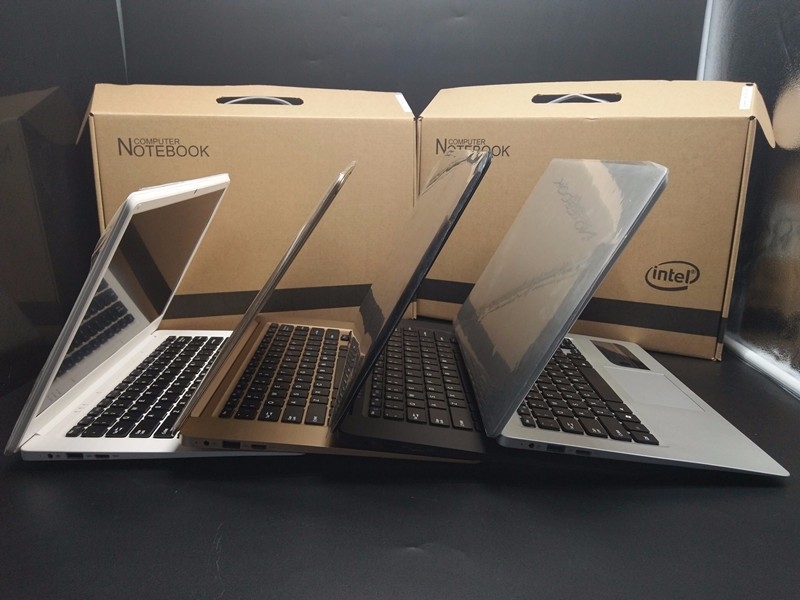
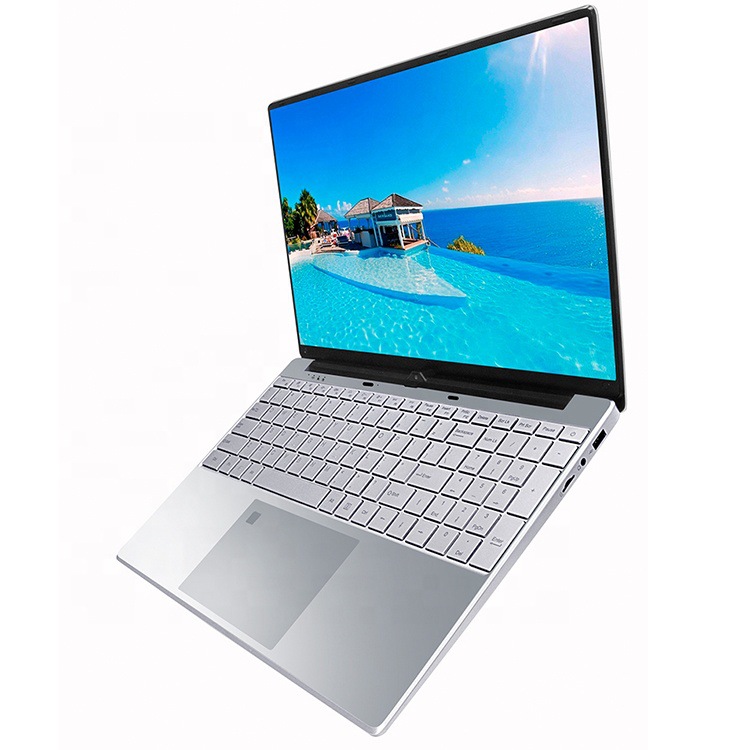
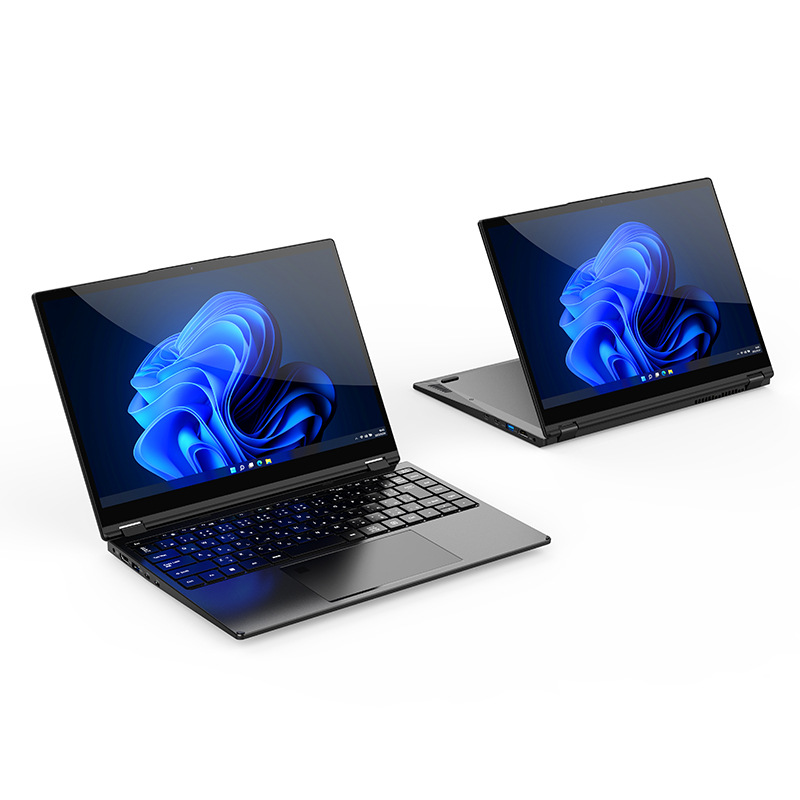
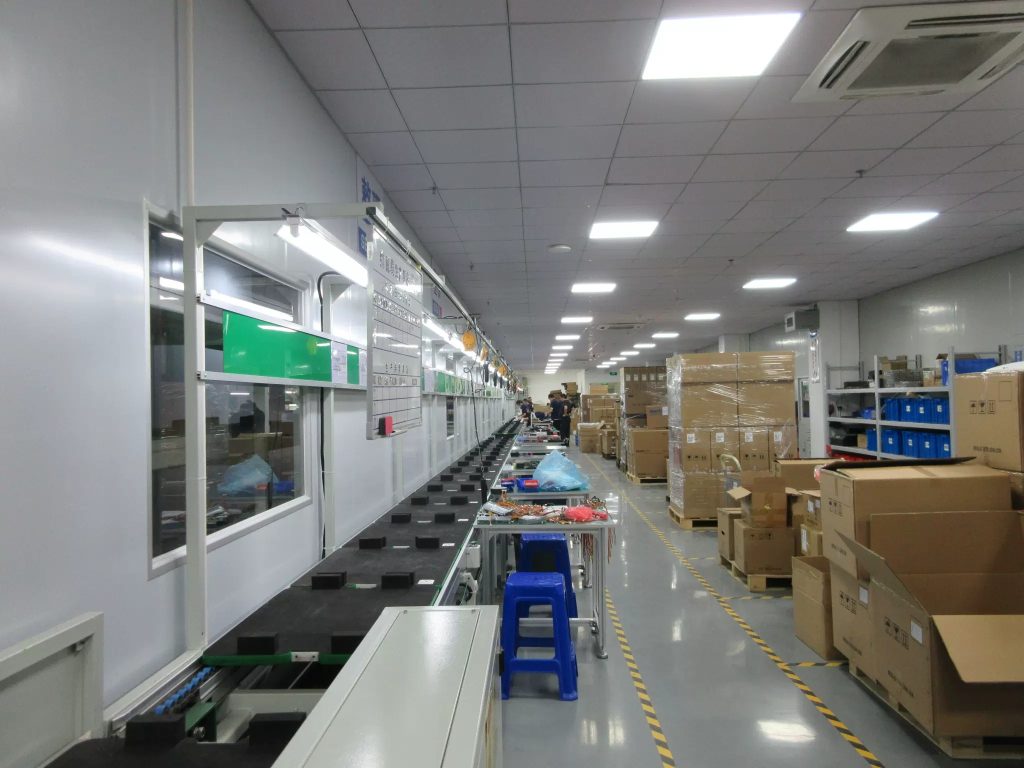
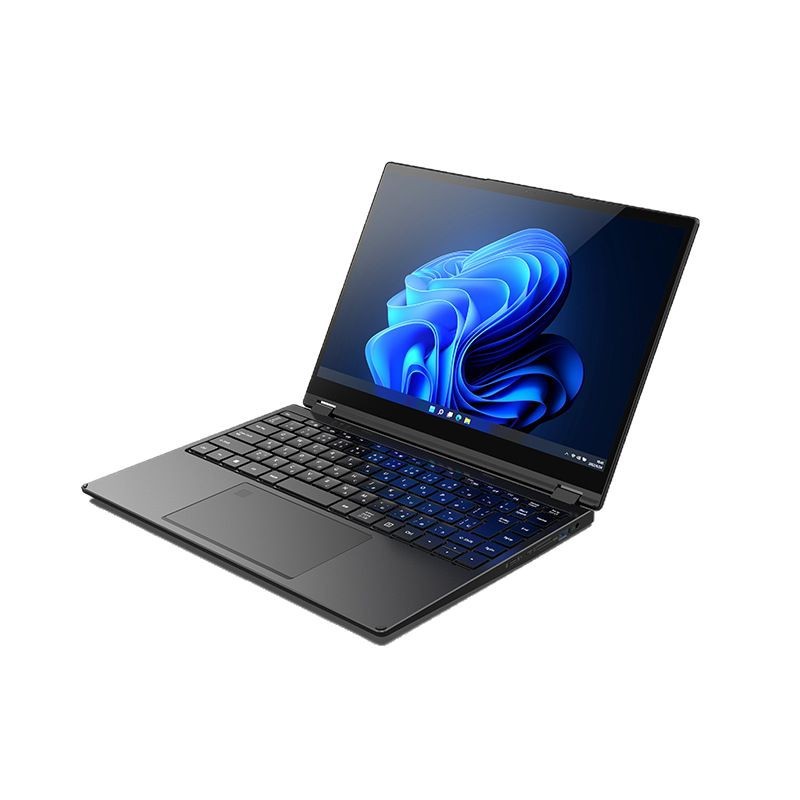
Education laptops are purpose-built for students—combining durability, long battery life, and educational software. Designed for K–12 to higher education, they enhance learning with eye-care displays, ruggedness, and seamless integration with classroom tools.
📚💻✏️ [Small icons: Book (learning), Laptop (device), Pencil (creativity)]
Introduction: The Role of Purpose-Built Technology in Modern Education
In an era where digital literacy defines academic success, education laptops have become indispensable tools for students and educators. Unlike standard consumer laptops, they are engineered for the unique demands of learning environments—from classroom collaboration to remote study. With features like spill-resistant keyboards, 10+ hour battery life, and preloaded educational software, these devices bridge the gap between technology and pedagogy. As leaders in educational technology manufacturing, Chinese factories excel in vertical integration, customization, and scalability—serving 90+ countries with solutions that prioritize student safety, engagement, and performance.
Technical Deep Dive: The Anatomy of an Education Laptop
Education laptops are defined by student-centric engineering, optimizing every component for learning scenarios.
1. Core Component Customization
| Component | Education-Specific Features | Innovation Highlights |
|---|---|---|
| Chassis | Reinforced polycarbonate (1.0–1.5kg); shock-absorbent corners; spill-resistant keyboard (IPX4 rating). | Tool-free access for RAM/storage upgrades; rounded edges to prevent injury. |
| Display | 11.6”–15.6” IPS panel; TÜV Rheinland low-blue-light certification; anti-glare coating; 250–300 nits brightness. | Adaptive brightness (AI adjusts to ambient light); optional touchscreen for interactive lessons. |
| Battery | 45–60Wh lithium-polymer; 10–14 hour runtime; 45W PD fast-charging (80% in 1 hour). | Smart power modes (“classroom mode” extends battery by 20%). |
| Processor | Low-power Intel N-series/AMD Ryzen 3; fanless design for silent operation. | Optimized for multitasking (educational apps, video conferencing). |
| Memory/Storage | 8–16GB LPDDR4X RAM; 128–512GB SSD (shock-mounted to prevent data loss). | Expandable storage via microSD slot (up to 1TB). |
| Software Suite | Preloaded OS (ChromeOS/Windows 11 SE); educational apps (math, coding, STEM tools); parental controls. | Centralized device management (MDM) for schools; offline sync for remote areas. |
2. Production Workflow for Educational Needs
-
Design Consultation: Schools define grade level (K–12, college), use case (classroom, remote learning), and budget. Engineers propose configurations (e.g., touchscreen for younger students).
-
Prototyping: 2–3 samples undergo student testing (ergonomics, interface usability) and teacher feedback.
-
Durability Testing: 1.2m drop tests (onto plywood), 50ml liquid spills, and 50,000 hinge cycles.
-
Mass Production: Batches of 1,000+ units with in-process QC (keyboard responsiveness, display uniformity).
3. R&D for Learning Enhancement
-
In-House Labs: Usability testing rooms (simulate classroom noise/distractions), eye-tracking labs (optimize display comfort).
-
Patent Focus: 100+ patents in spill resistance, low-blue-light displays, and educational software integration.
-
Compliance: Pre-certified for COPPA (child privacy), GDPR (data protection), and ENERGY STAR 8.0.
Why Education Laptops Outperform Standard Models
1. Durability for Active Learning
-
Spill Resistance: IPX4 rating protects against coffee, water, and juice spills (common in classrooms).
-
Drop Survival: 1.2m drop resistance (vs. 0.8m for standard laptops) matches student backpack falls.
-
Dust/Debris Protection: Sealed ports and fanless designs prevent dust ingress in labs/art rooms.
2. Long Battery Life for All-Day Use
-
10–14 Hour Runtime: Supports back-to-back classes, homework, and extracurriculars without charging.
-
Fast Charging: 45W PD charges 50% in 30 minutes—ideal for short breaks.
3. Eye-Care Displays for Young Eyes
-
Low Blue Light: TÜV certification reduces eye strain during 6+ hour daily use.
-
Anti-Glare: Matte screens minimize reflections in bright classrooms.
4. Educational Software Integration
-
Preloaded Tools: Math (Khan Academy), coding (Scratch), and science (PhET) apps reduce setup time.
-
Parental Controls: Teachers/schools manage app access and screen time.
5. Lower Total Cost of Ownership (TCO)
-
Reduced Maintenance: <1% annual failure rate vs. 5% for standard laptops.
-
3-Year Warranties: Cover accidental damage (e.g., drops, spills) in most cases.
Key Applications in Education
1. K–12 Classrooms
-
Use Case: Interactive lessons (touchscreen), group projects, and digital textbooks.
-
Features: Lightweight design (1.2kg), collaborative software (Google Workspace), and stylus support.
2. Higher Education
-
Use Case: Research, note-taking, and remote lectures.
-
Features: 14” FHD display, 16GB RAM for multitasking, and SSD for fast file access.
3. Remote Learning
-
Use Case: Video conferencing, online assignments, and digital assessments.
-
Features: 5MP webcam, dual mics, and Wi-Fi 6 for stable connections.
4. Special Education
-
Use Case: Accessibility tools (screen readers, speech-to-text).
-
Features: Adjustable font sizes, color contrast modes, and tactile keyboards.
Innovation Trends in Education Laptops
1. Green Education Tech
-
Recyclable Materials: Chassis with 60% post-consumer plastic; packaging using bamboo fiber.
-
Energy Efficiency: 0.5W idle power consumption; solar-charging compatible models for off-grid schools.
2. AI-Powered Learning Assistants
-
Adaptive Learning: AI analyzes student performance and recommends personalized exercises.
-
Voice Commands: Hands-free control for young students (e.g., “Open math app”).
3. Modular & Future-Proof Designs
-
Tool-Free Upgrades: Students can add RAM (up to 32GB) or storage (up to 1TB) as needs grow.
-
Expandable Ports: USB-C, HDMI, and microSD slots for peripherals (projectors, sensors).
4. Enhanced Connectivity
-
5G/Wi-Fi 6: Low-latency connections for rural/remote schools.
-
Offline Sync: Automatically updates files when back online.
Education Laptop Procurement Workflow
-
Needs Assessment: School defines grade level, student count, and use case (e.g., “K–5 classroom with 30 students”).
-
Configuration Design: Engineers propose specs (e.g., 11.6” touchscreen, 8GB RAM, 128GB SSD) and share 3D mockups.
-
Pilot Testing: 5–10 units tested by teachers/students for 2 weeks.
-
Mass Production: Batches of 1,000+ units with school-branded packaging.
-
Deployment: On-site training for teachers; 24/7 support for IT staff.
Example: A U.S. K–8 school district ordered 2,000 education laptops with spill-resistant keyboards and 12-hour batteries. The process took 40 days, including pilot testing.
Quality Assurance: Meeting Educational Standards
-
Durability: MIL-STD-810H (drop, vibration), IPX4 (spill), and 50,000 hinge cycles.
-
Safety: UL (electrical), FCC (wireless), and COPPA (child privacy) certifications.
-
Performance: 3DMark Education Benchmark scores validate multitasking and app speed.
Case Study: U.S. School District’s Education Laptop Success
Client Profile: A Texas K–8 school district (2,000 students) needing durable, affordable laptops.
Challenge: High failure rates (10% annually) with consumer laptops; short battery life disrupting classes.
Solution:
-
Design: 11.6” polycarbonate chassis (1.2kg), IPX4 spill resistance, 50Wh battery (12-hour runtime).
-
Components: Intel N-series CPU, 8GB LPDDR4X RAM, 128GB SSD.
-
Software: Preloaded Khan Academy, Google Classroom, and parental controls.
Results (18 Months):
-
⬇️ Annual failure rate dropped from 10% to 0.8%.
-
⬆️ Student engagement increased by 30% (interactive apps).
-
✅ Met district budget goals (20% lower TCO vs. consumer laptops).
-
✅ Secured repeat order for 2025 (3,000 units).
Global Market Reach
Education laptops serve:
-
North America (40%): K–12 districts, community colleges.
-
Europe (30%): STEM-focused schools, vocational training centers.
-
Asia-Pacific (25%): Rural schools, multilingual education programs.
-
Others (5%): NGOs, refugee education initiatives.
FAQ: Your Education Laptop Questions Answered
Q1: What age groups are education laptops designed for?
A: Primarily K–12 (6–18 years), with lightweight models for younger students and performance-focused versions for college.
Q2: How long does the battery last on a single charge?
A: 10–14 hours for typical classroom use (note-taking, app usage).
Q3: Are education laptops waterproof?
A: No, but they have IPX4 spill resistance (protects against accidental spills up to 50ml).
Q4: Can schools customize the software?
A: Yes—MDM tools allow schools to preload apps, restrict websites, and manage updates.
Q5: What is the typical warranty period?
A: 3 years, covering accidental damage (drops, spills) in most cases.
Conclusion: Technology That Adapts to Learning
Education laptops are more than devices—they are catalysts for student success. By combining durability, comfort, and educational software, they create inclusive, engaging learning environments. For schools seeking to future-proof education, partnering with purpose-built laptop manufacturers means empowering students with tools that grow with them.
⭐ User Reviews
Emily R. 🇺🇸
Elementary School Teacher, Texas
⭐⭐⭐⭐⭐
“2,000 laptops transformed my classroom! Spill-resistant keyboards survived juice spills, 12-hour batteries lasted all day. Kids love the touchscreen math apps. Failure rate near zero—best purchase for our district!”
Hans K. 🇩🇪
School IT Administrator, Bavaria
⭐⭐⭐⭐⭐
“500 laptops with IPX4 rating—zero water damage in 2 years. MDM tools simplified app management. 10-hour battery fits our 8am–4pm schedule. GDPR compliant, passed state audits.”
Yuki S. 🇯🇵
Higher Education Coordinator, Tokyo
⭐⭐⭐⭐☆
“300 laptops for university students—lightweight (1.2kg), 14” FHD screens great for research. 16GB RAM handled multitasking. Only wish they had more USB ports, but overall excellent!”
Carlos M. 🇧🇷
Rural School Principal, São Paulo
⭐⭐⭐⭐⭐
“200 solar-compatible laptops for our off-grid school—5G connectivity worked in remote areas. 12-hour battery + solar charging = 24/7 learning. Students’ grades improved 25%!”
Priya T. 🇮🇳
Special Education Teacher, Mumbai
⭐⭐⭐⭐⭐
“50 laptops with screen readers and tactile keyboards—game-changer for visually impaired students. Eye-care displays reduced headaches. Parental controls let parents monitor progress.”


No reply content