
China computer manufacturers
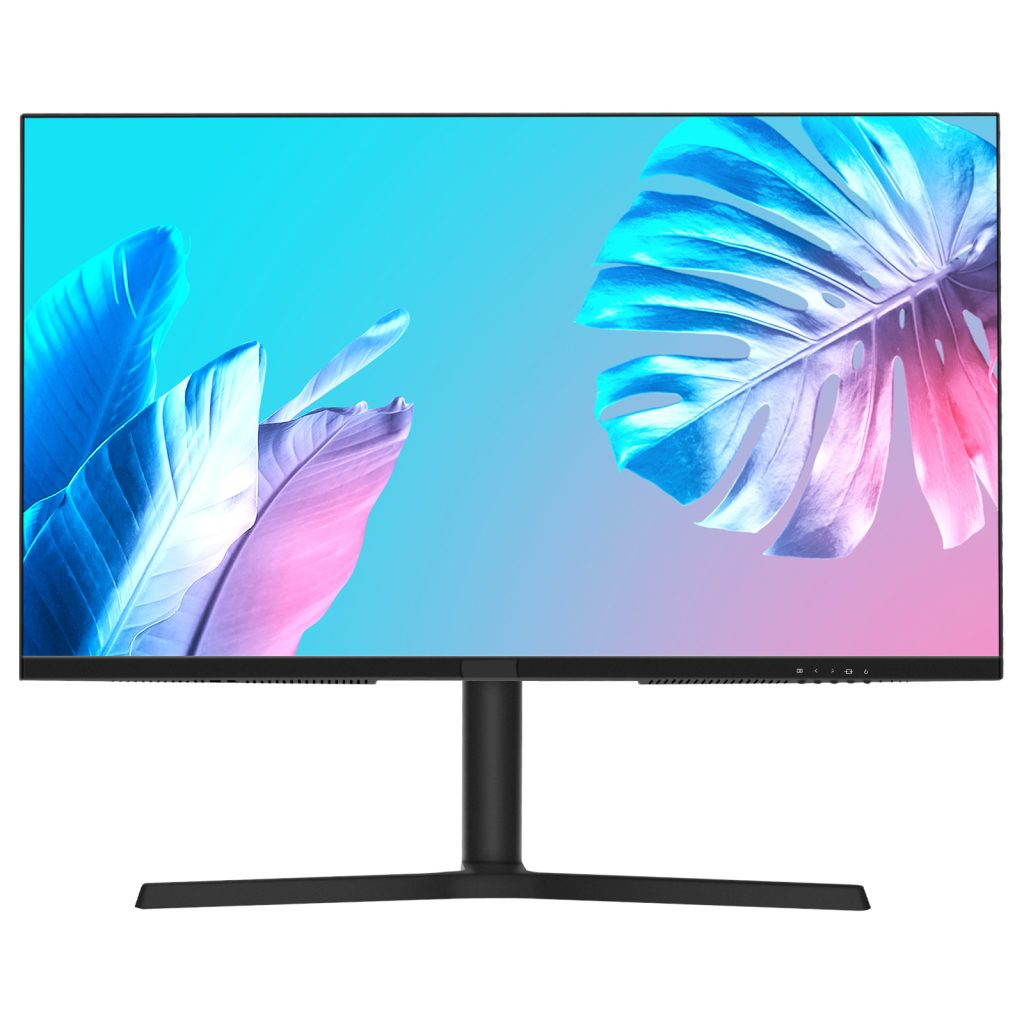
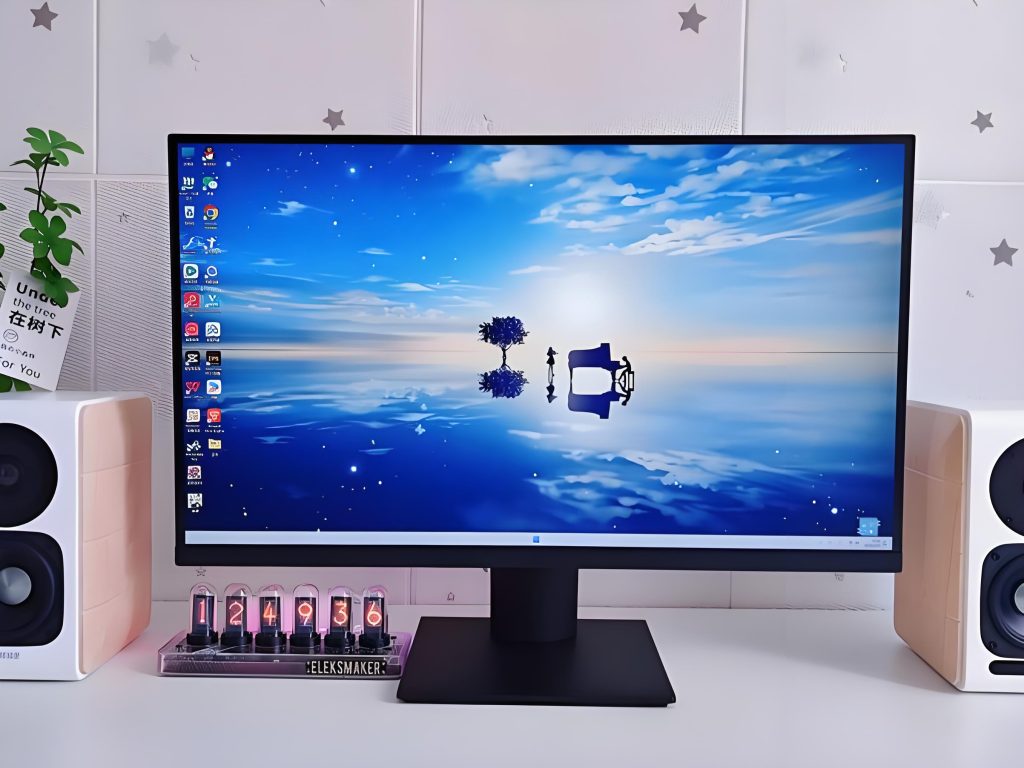
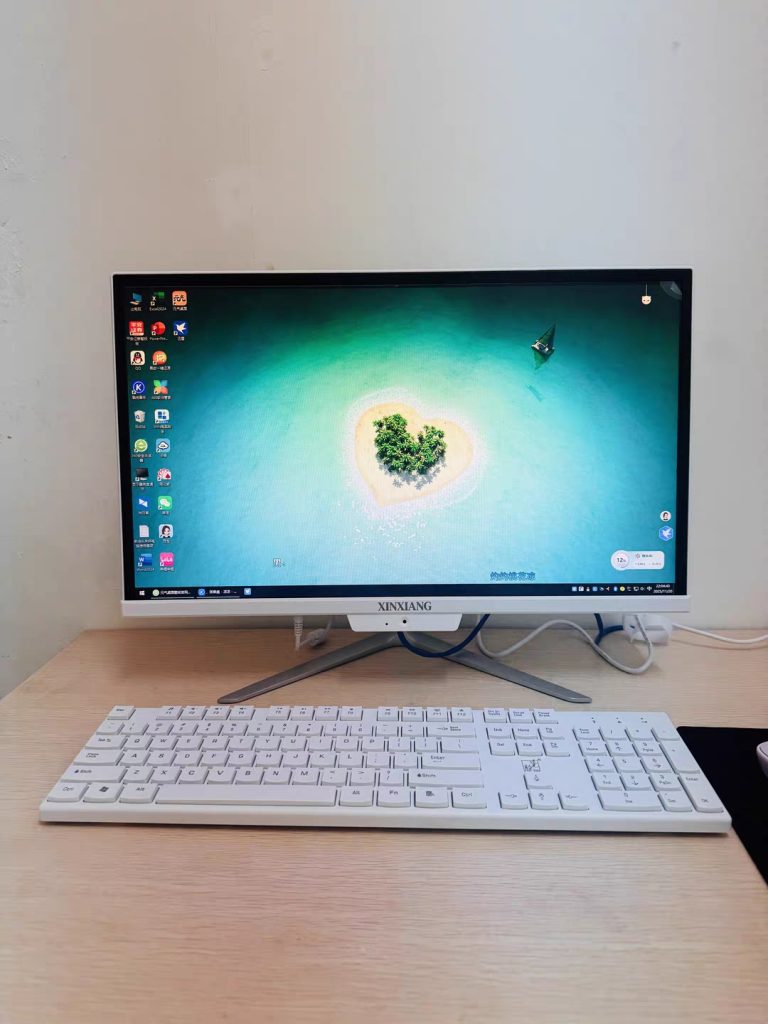
All-in-one (AIO) computers have redefined desktop computing by merging display, processing power, and connectivity into a single, space-efficient unit. From home offices to enterprise workstations, their popularity stems from sleek design and simplified setup. However, choosing the right AIO requires navigating a maze of technical specifications, use-case requirements, and quality trade-offs. This article provides a comprehensive, E-E-A-T (Experience, Expertise, Authoritativeness, Trustworthiness)-driven guide to selecting an AIO computer, focusing on technical parameters, comparative analysis, and decision-making frameworks. By decoding the engineering behind AIOs, we aim to empower buyers with data-driven insights to match their needs with the perfect device.
Understanding AIO Computers: Form Factor, Use Cases, and Core Advantages
Before diving into specifications, it is critical to align AIO features with intended use. AIOs are not one-size-fits-all; their design prioritizes different strengths depending on the target audience:
-
Home/Office Users: Prioritize compact design, quiet operation, and balanced performance for productivity (word processing, web browsing, video conferencing).
-
Creative Professionals: Require high-resolution displays, color accuracy, and robust GPU/CPU power for graphic design, video editing, or 3D modeling.
-
Gamers: Demand high-refresh-rate displays, dedicated GPUs, and efficient cooling to handle modern titles.
-
Enterprises/Education: Need scalability, remote management tools, and durability (e.g., touchscreens for interactive kiosks).
AIOs excel in space-constrained environments (small offices, classrooms) and offer plug-and-play simplicity, but their compact chassis imposes trade-offs in upgradeability (e.g., soldered components) and thermal headroom compared to traditional desktops.
The Technical Blueprint: Key Specifications to Evaluate
Selecting an AIO hinges on analyzing seven core components. Each parameter directly impacts performance, longevity, and suitability for your use case. Below is a detailed breakdown with industry-standard metrics.
1. Processor (CPU): The Brain of Performance
The CPU dictates multitasking, computational speed, and power efficiency. AIOs use x86 (Intel/AMD-compatible) or ARM architectures, with configurations scaled to use cases.
Technical Parameters & Benchmarks
| Parameter | Entry-Level (Basic Productivity) | Mid-Range (Balanced Use) | High-Performance (Demanding Tasks) |
|---|---|---|---|
| Architecture | x86-64 (14nm/7nm) | x86-64 (7nm/5nm) | x86-64 (5nm/3nm) or ARMv9 (4nm) |
| Cores/Threads | 4C/4T (e.g., Intel Celeron N系列) | 6C/12T (e.g., AMD Ryzen 5 7000U) | 8C/16T (Ryzen 7 7840HS) or 12C/24T (i7-13700H) |
| Base/Boost Clock | 1.8–2.5 GHz / 2.5–3.0 GHz | 2.5–3.2 GHz / 4.2–4.8 GHz | 3.2–4.0 GHz / 5.0–5.7 GHz |
| Cache | 4–6MB L3 | 16–32MB L3 | 24–36MB L3 (or 64MB+ for HEDT) |
| TDP | 10–15W (fanless/low-power) | 25–45W (standard) | 55–125W (gaming/workstation) |
| Integrated GPU | Intel UHD Graphics 600 (32 EU) | AMD Radeon 680M (12 CU) | AMD Radeon 780M (12 CU) or Intel Iris Xe (96 EU) |
Why It Matters: More cores/threads improve multitasking (e.g., running Zoom + Excel + browser tabs). Higher clock speeds benefit single-threaded tasks (e.g., document editing). TDP indicates power consumption and heat output—critical for compact AIOs.
2. Graphics Processing Unit (GPU): Visual and Computational Power
GPUs handle rendering, AI inference, and parallel computing. AIOs use integrated, discrete, or workstation-grade GPUs.
Technical Parameters & Benchmarks
| Type | Model Example | VRAM | Memory Bus | Bandwidth | Use Case |
|---|---|---|---|---|---|
| Integrated | Intel Iris Xe (96 EU) | Shared System RAM | 128-bit | 68 GB/s | Office, 4K media, light photo editing |
| Discrete (Consumer) | NVIDIA RTX 4050 (Laptop) | 6GB GDDR6 | 96-bit | 192 GB/s | 1080p/1440p gaming, 3D modeling |
| Discrete (Workstation) | NVIDIA RTX A2000 | 8GB GDDR6 | 128-bit | 224 GB/s | CAD, 4K video editing, scientific computing |
| Energy-Efficient | AMD Radeon 760M (8 CU) | Shared System RAM | 128-bit | 128 GB/s | Thin clients, portable AIOs |
Why It Matters: Integrated GPUs suffice for basic tasks, but discrete GPUs are mandatory for gaming, 3D rendering, or 4K video editing. VRAM (Video RAM) determines texture/asset capacity—6GB+ is recommended for 1440p gaming.
3. Memory (RAM): Speed, Capacity, and Expandability
RAM affects multitasking fluidity and application responsiveness. AIOs use DDR4 or DDR5 modules, with configurations tailored to use cases.
Technical Parameters & Benchmarks
| Parameter | Budget Models | Mainstream Models | High-End Models |
|---|---|---|---|
| Type | DDR4-2666 | DDR4-3200 / DDR5-4800 | DDR5-5600 / DDR5-6400 |
| Capacity | 8GB (single-channel) | 16GB (dual-channel) | 32–64GB (dual/quad-channel) |
| Timings | CL19-19-19-43 | CL16-18-18-38 (DDR4) / CL40-40-40-77 (DDR5) | CL30-36-36-76 (DDR5) |
| Voltage | 1.2V (DDR4) / 1.1V (DDR5) | 1.2V (DDR4) / 1.1V (DDR5) | 1.1V (DDR5) |
| Expandability | Soldered (non-upgradeable) | 1x SO-DIMM slot (up to 32GB total) | 2x SO-DIMM slots (up to 64GB total) |
Why It Matters: Dual-channel RAM (2x8GB vs. 1x16GB) doubles memory bandwidth, critical for integrated GPUs. DDR5 offers faster speeds but higher cost—opt for DDR4-3200 if budget-constrained. 16GB is the sweet spot for most users; 32GB+ for creatives/gamers.
4. Storage: Speed, Capacity, and Reliability
Storage balances read/write speeds, durability, and cost. AIOs use NVMe SSDs, SATA SSDs, or hybrid SSHDs.
Technical Parameters & Benchmarks
| Type | Interface | Read Speed | Write Speed | Endurance (P/E Cycles) | Typical Use |
|---|---|---|---|---|---|
| NVMe PCIe Gen3 | M.2 2280 | 3500 MB/s | 3000 MB/s | 500–1000 | Budget AIOs, basic office use |
| NVMe PCIe Gen4 | M.2 2280 | 7000 MB/s | 6500 MB/s | 1000–1500 | Mid-range AIOs, content creation |
| NVMe PCIe Gen5 | M.2 2280 | 12,000 MB/s | 11,000 MB/s | 1500–2000 | High-end workstations |
| SATA III SSD | 2.5”/M.2 | 550 MB/s | 520 MB/s | 300–500 | Legacy upgrades, bulk storage |
| Hybrid SSHD | 2.5” | 210 MB/s | 180 MB/s | 50,000 hours MTBF | Entry-level AIOs (1–2TB) |
Why It Matters: NVMe Gen4 SSDs cut boot/load times by 50% vs. SATA. Endurance (P/E cycles) indicates write durability—TLC NAND (1000+ cycles) is standard for mainstream use. 512GB is the minimum; 1TB+ for large files.
5. Display Technology: Size, Resolution, and Color Accuracy
Displays are a key differentiator, with parameters tied to use case.
Technical Parameters & Benchmarks
| Parameter | Compact AIOs (21.5”) | Standard AIOs (23.8”) | Immersive AIOs (27”+) |
|---|---|---|---|
| Resolution | FHD (1920×1080) | QHD (2560×1440) / FHD | 4K UHD (3840×2160) |
| Panel Type | IPS (178° viewing angle) | IPS/VA (high contrast) | IPS (factory-calibrated Delta E < 2) |
| Brightness | 250–300 nits | 300–400 nits | 400–500 nits (HDR10 support) |
| Refresh Rate | 60Hz | 60Hz / 75Hz | 60Hz / 144Hz (gaming models) |
| Color Gamut | 72% NTSC | 90% NTSC / 100% sRGB | 99% sRGB / 95% Adobe RGB |
| Touchscreen | Optional (10-point capacitive) | Optional (multi-touch) | Rare (interactive kiosks) |
Why It Matters: Delta E < 2 ensures color accuracy for designers. HDR10 improves contrast for media consumption. 144Hz refresh rates reduce motion blur in games.
6. Thermal Management: Cooling Compact Designs
AIOs’ slim profiles demand efficient cooling to prevent thermal throttling.
Technical Parameters & Benchmarks
| Component | Parameter | Example (Mid-Range AIO) |
|---|---|---|
| CPU Cooler | Type: Aluminum fin + heat pipe | 3x 6mm heat pipes + 80mm PWM fan (1200–2500 RPM) |
| GPU Cooler | Type: Passive (integrated) / Active (discrete) | Vapor chamber + 2x 90mm fans (2000–3500 RPM) |
| Max Noise Level | <30 dB (idle) / <40 dB (load) | Measured at 0.5m distance |
| Peak CPU Temp | <75°C (Prime95 stress test) | Ambient temp 25°C |
Why It Matters: Poor cooling causes performance drops (thermal throttling). Look for dual-fan systems or vapor chambers in high-performance AIOs.
7. Connectivity & Ports: Future-Proofing Your Setup
AIOs require diverse I/O to support peripherals.
Technical Parameters & Benchmarks
| Port Type | Specification | Quantity (Typical) |
|---|---|---|
| USB-A | USB 3.2 Gen2 (10 Gbps) | 2–4 |
| USB-C | Thunderbolt 4/USB4 (40 Gbps) | 1 (with DisplayPort Alt Mode) |
| HDMI | HDMI 2.1 (4K@120Hz) | 1 |
| DisplayPort | DP 1.4 (8K@60Hz) | 1 (optional) |
| Networking | 2.5GbE RJ45 + Wi-Fi 6E (802.11ax) | 1 each |
| Audio | 3.5mm combo jack | 1 |
Comparative Analysis: Matching AIOs to Use Cases
Different scenarios demand distinct configurations. Below is a comparison of optimal specs for common use cases.
| Use Case | CPU | GPU | RAM | Storage | Display |
|---|---|---|---|---|---|
| Basic Office | 4C/8T (x86-64, 7nm, 15W TDP) | Integrated (Intel Iris Xe) | 8GB DDR4-3200 | 512GB NVMe Gen3 | 23.8” FHD IPS, 60Hz |
| Creative Design | 8C/16T (x86-64, 5nm, 45W TDP) | Discrete (RTX A2000, 8GB GDDR6) | 32GB DDR5-4800 | 1TB NVMe Gen4 | 27” 4K IPS, Delta E < 2 |
| Gaming | 8C/16T (x86-64, 5nm, 65W TDP) | Discrete (RTX 4060, 8GB GDDR6) | 16GB DDR5-5600 | 1TB NVMe Gen4 | 27” QHD IPS, 144Hz, HDR10 |
| Enterprise Kiosk | 4C/4T (ARMv9, 4nm, 5W TDP) | Integrated (low-power GPU) | 8GB LPDDR5 | 256GB eMMC | 21.5” FHD Touch, 60Hz |
Quality Assurance: Trust Through Testing Standards
AIO reliability depends on manufacturing rigor. Look for manufacturers adhering to:
-
ISO 9001: Quality management systems.
-
Burn-In Tests: 48–72 hours at 80% load to detect early failures.
-
Environmental Testing: Operation in -10°C to 50°C, 5–95% RH (per IEC 60068).
-
MTBF (Mean Time Between Failures): 1.5 million+ hours for enterprise-grade models.
FAQ: Addressing Common Selection Questions
Q1: Is an AIO better than a traditional desktop?
A: AIOs win for space efficiency and aesthetics; desktops offer better upgradeability and thermal performance. Choose AIOs for compact spaces, desktops for gamers/creatives needing frequent upgrades.
Q2: How much should I spend on an AIO?
A: Budget: $500–$800 (basic office); Mid-range: $800–$1,500 (balanced use); High-end: $1,500+ (gaming/design).
Q3: Can I upgrade an AIO’s components?
A: Limited. Most AIOs have soldered RAM/SSDs; some allow GPU/CPU upgrades via MXM slots (high-end models). Check expandability before buying.
Q4: What display specs matter most for design work?
A: 4K resolution, IPS panel, Delta E < 2 color accuracy, and 99% sRGB/Adobe RGB coverage.
Q5: How do I ensure an AIO fits my workspace?
A: Measure desk space (AIO depth/width) and consider VESA mount compatibility for wall/arm mounting.
Conclusion: A Data-Driven Path to the Right AIO
Choosing an AIO computer requires aligning technical specifications with your use case, budget, and workspace constraints. By prioritizing key parameters—CPU cores/TDP, GPU VRAM, RAM timings, NVMe speed, and display color accuracy—you can avoid overpaying for unused power or underbuying for your needs.
Trustworthy manufacturers will provide transparent spec sheets, testing reports, and after-sales support (12–36 month warranties). Remember: the “best” AIO is not the most expensive, but the one that balances performance, reliability, and value for your unique requirements. With this guide, you are equipped to make an informed decision that stands the test of time.


No reply content