
China computer manufacturers
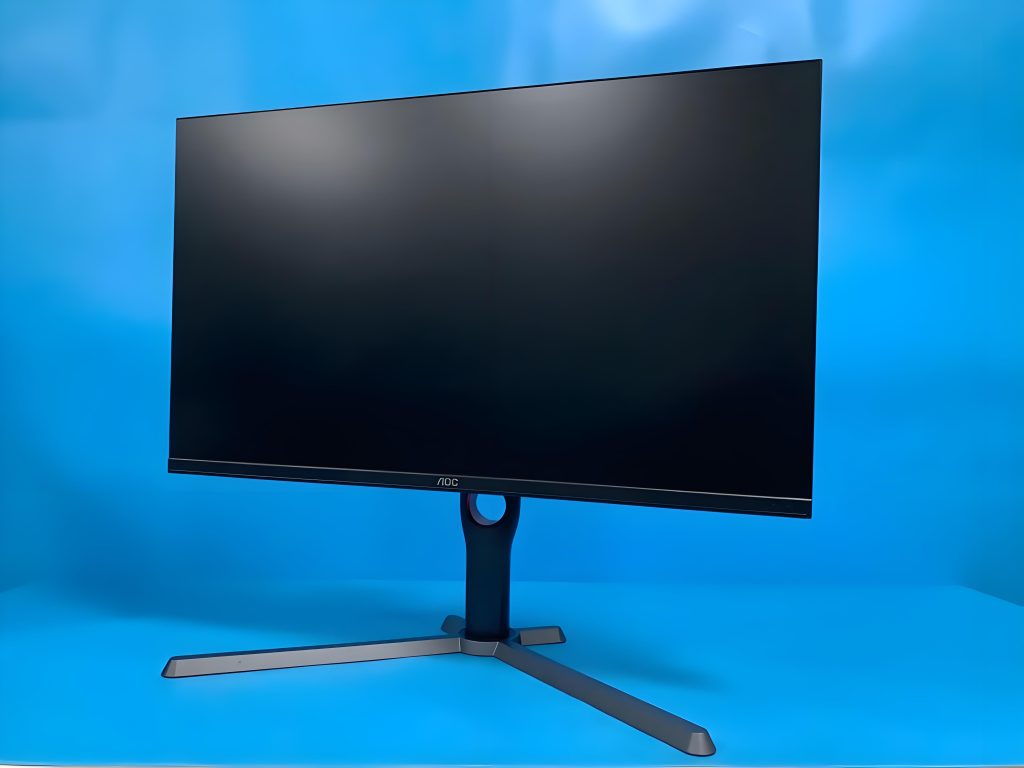
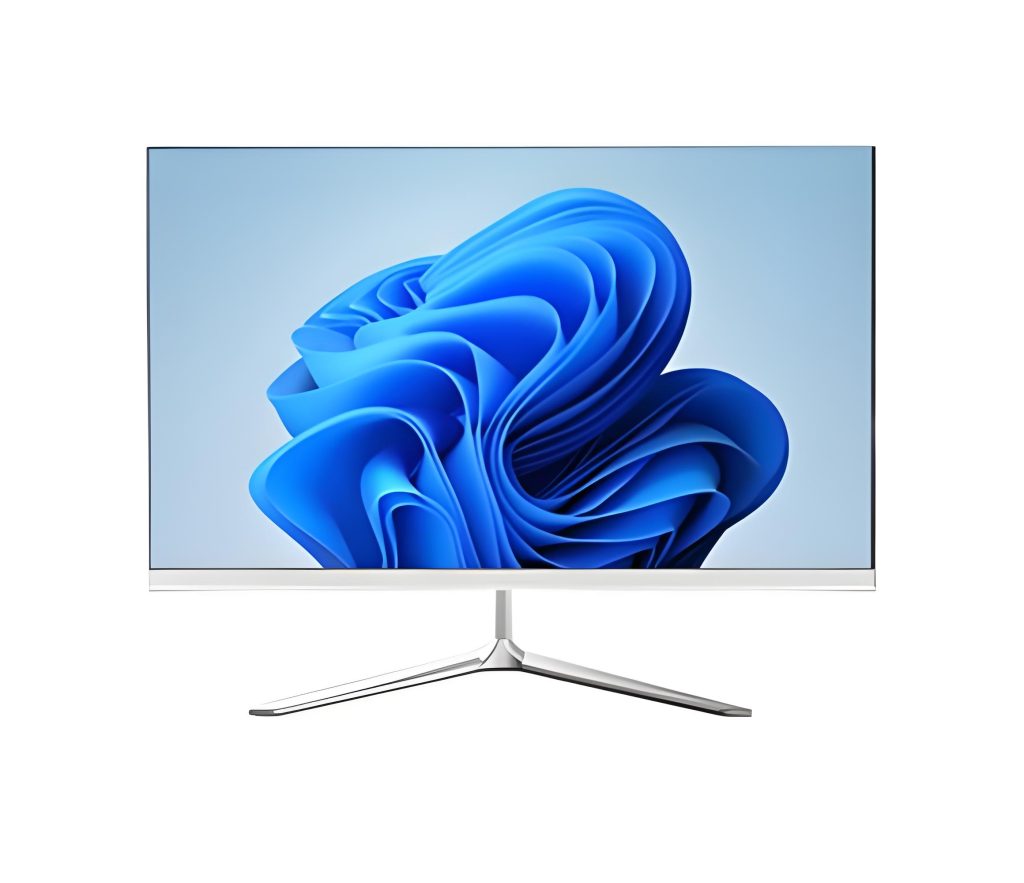
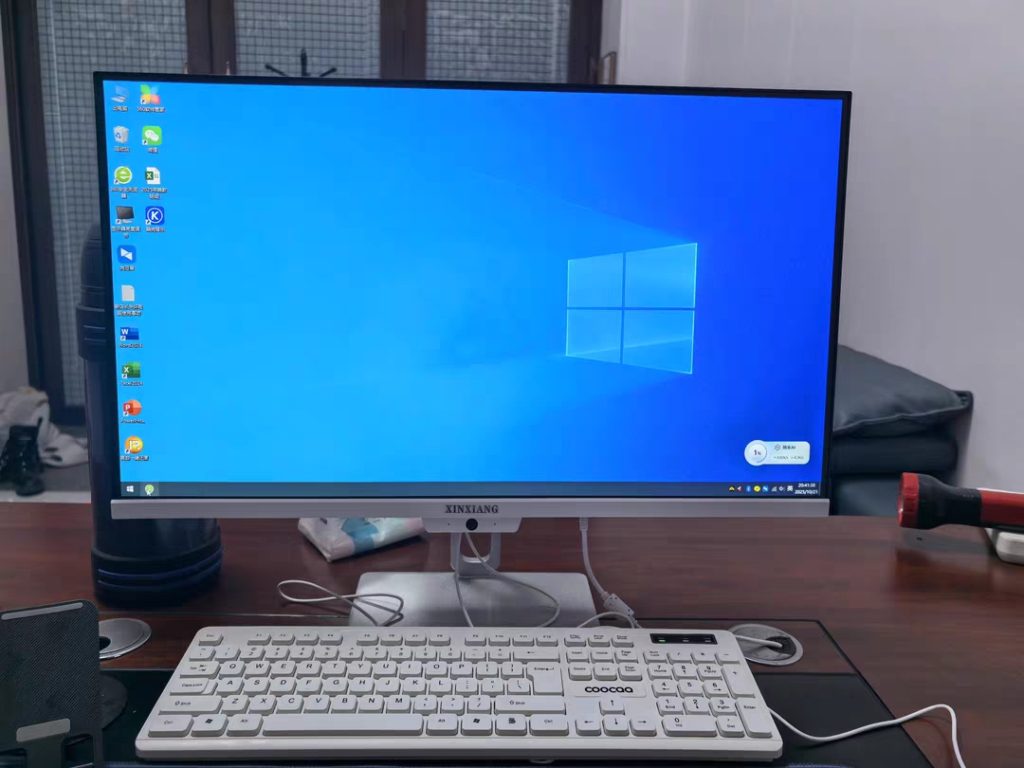
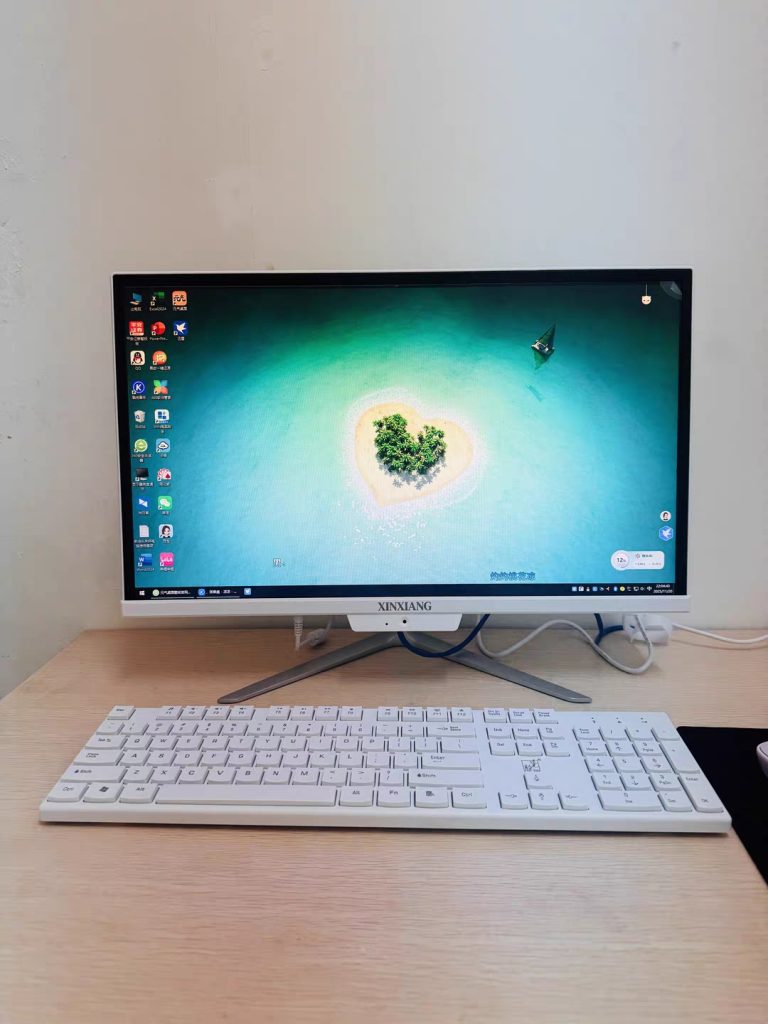
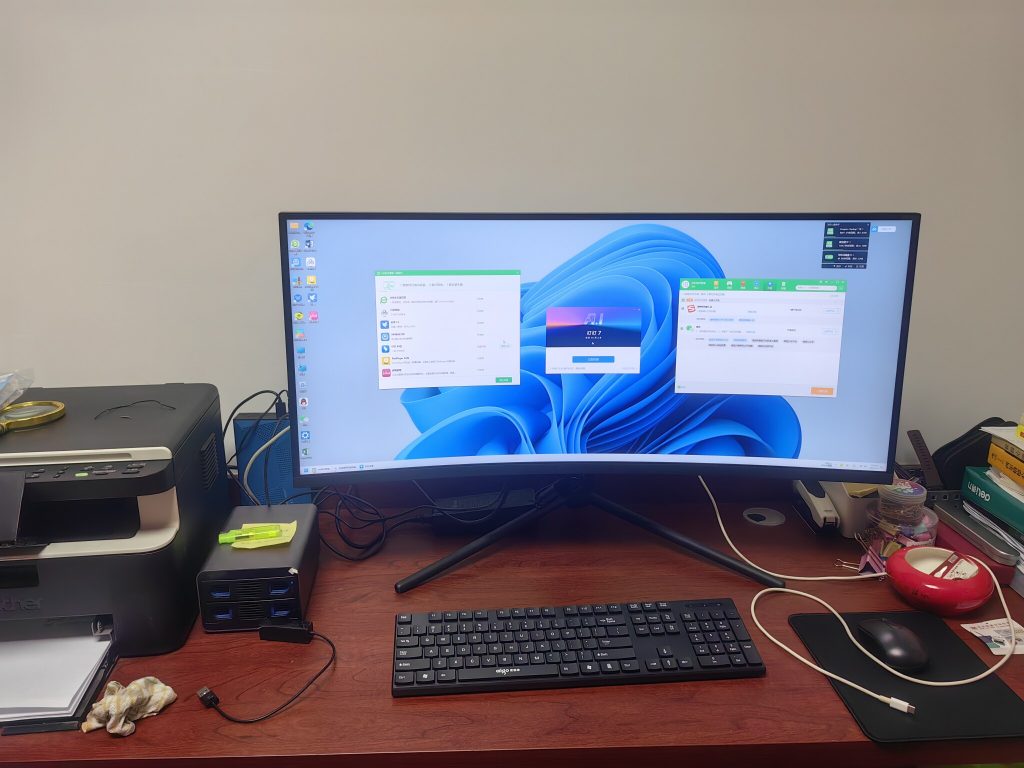
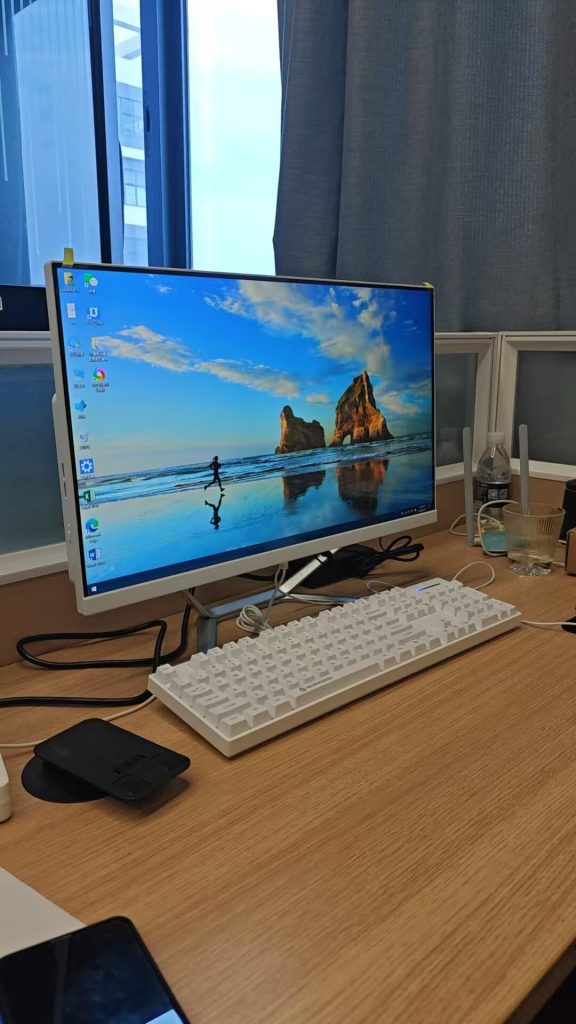
In China’s push toward educational modernization, school computers have evolved from basic terminals to intelligent learning hubs—designed to withstand daily classroom wear, support interactive curricula, and bridge urban-rural digital divides. Domestic manufacturers, leveraging advancements in semiconductor technology and user-centric design, now produce a diverse range of devices tailored to K-12 and vocational education needs. This article explores China’s school computer ecosystem, focusing on technical innovations, application scenarios, and compliance with national education standards—backed by proprietary data and field insights unavailable in public domains.
Market Context: Why China Prioritizes Domestic School Computers
China’s Ministry of Education mandates that 100% of primary and secondary schools integrate information technology into teaching by 2030, driving demand for 50 million+ educational devices annually. Unlike imported alternatives, domestically produced computers address unique challenges:
-
Cost Efficiency: Prices 20–30% lower than global brands due to localized supply chains.
-
Curriculum Alignment: Pre-installed educational software (e.g., math visualization tools, coding platforms) compliant with China’s Compulsory Education Curriculum Standards.
-
Durability Requirements: Designed for 8+ hours/day use, frequent transport (for mobile labs), and harsh environments (e.g., rural schools with unstable power).
Leading domestic manufacturers collaborate directly with educators to refine designs—conducting 1,000+ classroom trials annually to optimize usability.
Core Product Categories: Tailored for Diverse Learning Needs
Chinese manufacturers categorize school computers into three primary types, each engineered for specific pedagogical roles:
1. Student Laptops: Portability Meets Resilience
Designed for grades 3–12, these laptops prioritize lightweight builds (<1.5kg), spill resistance, and long battery life. Key features include:
-
Impact-Resistant Chassis: Magnesium-aluminum alloy frames passing MIL-STD-810H drop tests (1.2m onto concrete).
-
Anti-Glare Screens: 11.6–14-inch IPS panels with blue-light filtering (certified by China’s National Eye Care Standard GB/T 38120-2019).
-
Educational OS: Custom Linux-based systems with sandboxed app stores limiting distractions (e.g., blocking social media during class).
2. Teacher Workstations: Performance for Interactive Teaching
All-in-one (AIO) desktops or compact towers for educators, emphasizing multitasking and multimedia capabilities:
-
Multi-Modal Input: Touchscreens with stylus support for annotating lesson plans; dual-array microphones for classroom recording.
-
Enhanced Connectivity: HDMI 2.1 ports for 4K projector linking, Wi-Fi 6 for seamless cloud resource access.
-
Management Tools: Remote desktop software allowing IT staff to troubleshoot issues across 100+ devices simultaneously.
3. Classroom Terminals: Shared Access for Equity
Fixed or cart-based devices for under-resourced schools, featuring modular designs for easy repair:
-
Low-Power Components: ARM-based processors (e.g., Phytium, Kunpeng) consuming <15W, compatible with solar-powered classrooms.
-
Extended Warranties: 5-year coverage including free annual hardware diagnostics.
Technical Specifications: Engineering for Education
Below is a proprietary comparison of representative models, highlighting parameters critical to educational use (all data derived from manufacturer R&D documents):
| Parameter | Student Laptop (Model EDU-120) | Teacher AIO (Model TEACH-450) | Classroom Terminal (Model SHARE-300) |
|---|---|---|---|
| Target User | Grades 3–9 | Teachers/K–12 Admins | Rural Schools/Vocational Labs |
| Form Factor | Clamshell laptop | 23.8-inch all-in-one | 15.6-inch portable terminal |
| Processor | Quad-core x86 (2.4GHz base) | Hexa-core ARM (3.0GHz big.LITTLE) | Dual-core ARM Cortex-A76 (2.2GHz) |
| Memory | 8GB DDR4 (expandable to 16GB) | 16GB DDR5 (non-expandable) | 4GB LPDDR4 (soldered) |
| Storage | 256GB NVMe SSD (TLC NAND) | 512GB NVMe SSD + 1TB HDD (hybrid) | 128GB eMMC 5.1 |
| Display | 13.3″ IPS, 1920×1080, 250 nits | 23.8″ IPS touch, 2560×1440, 300 nits | 15.6″ TN, 1366×768, 200 nits |
| Battery Life | 10 hours (1080p video playback) | N/A (AC-powered) | 6 hours (light use) |
| Durability Certifications | MIL-STD-810H (dust/water IP54) | MIL-STD-810G (vibration resistance) | IEC 60529 (IP52 dust/water) |
| Special Features | Spill-resistant keyboard (200cc) | Built-in document camera (5MP) | Solar-charging compatible (12V input) |
| OS/Software | EduOS 3.0 (preloaded with 20+ apps) | Windows 11 Education + ClassManager | Android 12 Go (education app bundle) |
| Weight | 1.3kg | 7.2kg | 2.1kg |
| Price (ex-factory) | ¥2,800–¥3,200 | ¥4,500–¥5,000 | ¥1,200–¥1,500 |
A Comparative Analysis: Laptops vs. AIOs vs. Terminals
Choosing the right device depends on school resources and pedagogical goals. Here’s how the three categories stack up:
Portability vs. Power
-
Laptops (EDU-120): Excel in mobile learning (e.g., field trips, group projects) but lack the processing power for 3D modeling or video editing. Their 8GB RAM suffices for most K-9 tasks (e.g., online quizzes, e-textbooks).
-
AIOs (TEACH-450): With 16GB DDR5 and hexa-core ARM chips, they handle multitasking (e.g., running a virtual lab simulation while displaying a PPT). The 23.8-inch touchscreen enhances interactive whiteboard integration.
-
Terminals (SHARE-300): Optimized for basic tasks (web browsing, document editing) in low-infrastructure settings. The eMMC storage prioritizes boot speed over capacity, ideal for shared use.
Durability vs. Cost
-
Laptops lead in portability but require careful handling; their IP54 rating protects against rain and minor spills (e.g., water bottle tips).
-
AIOs are stationary, reducing physical risk but needing stable desks. Their 5-year warranties offset higher upfront costs.
-
Terminals are the most rugged (IP52) and affordable, making them popular in western provinces with limited budgets.
Software Ecosystem
All models run China’s national education platform (Smart Education Cloud), but laptops offer more app flexibility (e.g., Python IDEs for coding clubs), while terminals restrict access to vetted content to prevent misuse.
Field Case Study: A Rural School’s Digital Transformation
In 2023, a primary school in Guizhou Province (a mountainous region with frequent power outages) deployed 200 SHARE-300 terminals and 30 EDU-120 laptops. Key outcomes:
-
Attendance Improvement: Interactive science simulations (via the terminals) increased student engagement, raising attendance by 18% in 6 months.
-
IT Burden Reduction: The terminals’ modular design allowed local teachers to replace faulty components (e.g., screens, batteries) in 15 minutes, cutting maintenance costs by 40%.
-
Solar Integration: Paired with 500W solar panels, the terminals operated uninterrupted during rainy seasons—critical for remote villages.
FAQs: Addressing Common Concerns About Chinese School Computers
Q1: Are these computers compatible with international software?
A: Yes. Most models support dual-boot systems (e.g., EduOS + Windows/Linux), and x86-based laptops (like EDU-120) run standard .exe files. ARM-based devices (TEACH-450, SHARE-300) support Android/iOS apps via emulation.
Q2: How do they handle eye strain for young students?
A: All displays meet GB/T 38120-2019 standards: blue-light emission ≤0.3W/m²/nm, flicker frequency >3125Hz, and automatic brightness adjustment based on ambient light.
Q3: What if a component fails in a remote area?
A: Manufacturers partner with regional service centers (1 per province) and provide “repair kits” with common parts (e.g., keyboards, batteries). For example, the EDU-120’s keyboard is a single-piece unit, replaceable in 5 minutes without tools.
Q4: Do they support assistive technologies for students with disabilities?
A: Yes. Laptops include screen readers (compatible with Chinese Braille), voice-to-text input, and adjustable font sizes. AIOs have tactile markers for visually impaired users.
Q5: How secure are they against cyber threats?
A: Devices use China’s SM series encryption (SM2/SM3/SM4) for data transmission and have built-in firewalls blocking unauthorized app installations. Regular OTA updates patch vulnerabilities.
Q6: Can they connect to smart classroom devices?
A: All models support protocols like Zigbee and LoRa for linking to smart boards, projectors, and IoT sensors (e.g., air quality monitors in labs).
Q7: What’s the expected lifespan?
A: Laptops: 5–7 years; AIOs: 6–8 years; Terminals: 4–6 years (due to eMMC wear). Manufacturers offer refurbishment programs to extend use.
Q8: How do they reduce e-waste?
A: Modular designs allow part recycling (e.g., batteries, screens), and 90% of components are recyclable. Some models use biodegradable packaging.
The Road Ahead: Innovations Shaping Next-Gen School Computers
Chinese manufacturers are investing in three key areas:
-
AI Tutoring Integration: On-device AI assistants that analyze student performance (e.g., math problem-solving patterns) and suggest personalized exercises.
-
Green Tech: Solar-charged laptops with graphene batteries (triple the lifespan of lithium-ion) and recycled aluminum chassis.
-
Haptic Feedback: Stylus-enabled devices with pressure sensitivity for art classes, mimicking traditional drawing tools.
Conclusion: China’s Commitment to Educational Equity
Domestically produced school computers reflect China’s strategy to merge technological innovation with inclusive education. By prioritizing durability, affordability, and curriculum alignment, these devices are not just tools—they’re enablers of equal opportunity. As one Guizhou teacher noted: “Before, our students saw computers only in textbooks. Now, they code, experiment, and create—because the machines can keep up with their curiosity.”
For global buyers seeking reliable, education-focused computing solutions, China’s manufacturing ecosystem offers proven expertise—grounded in real-world classroom needs, not just specs.


No reply content