3D Printer Suppliers in Shenzhen China
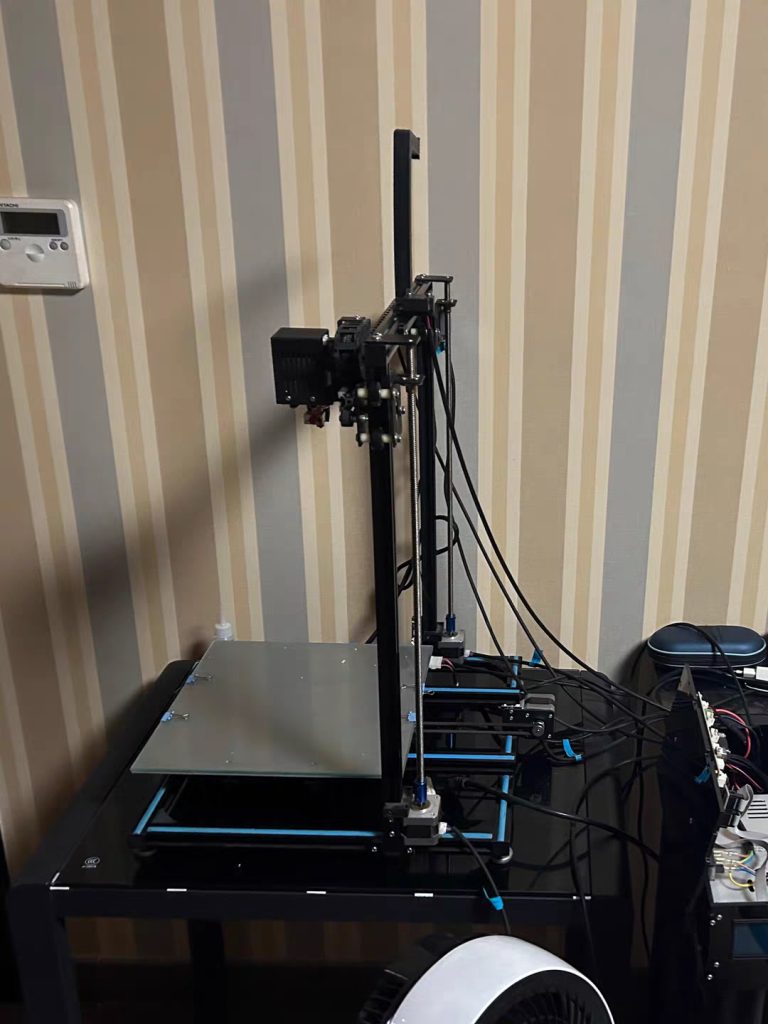
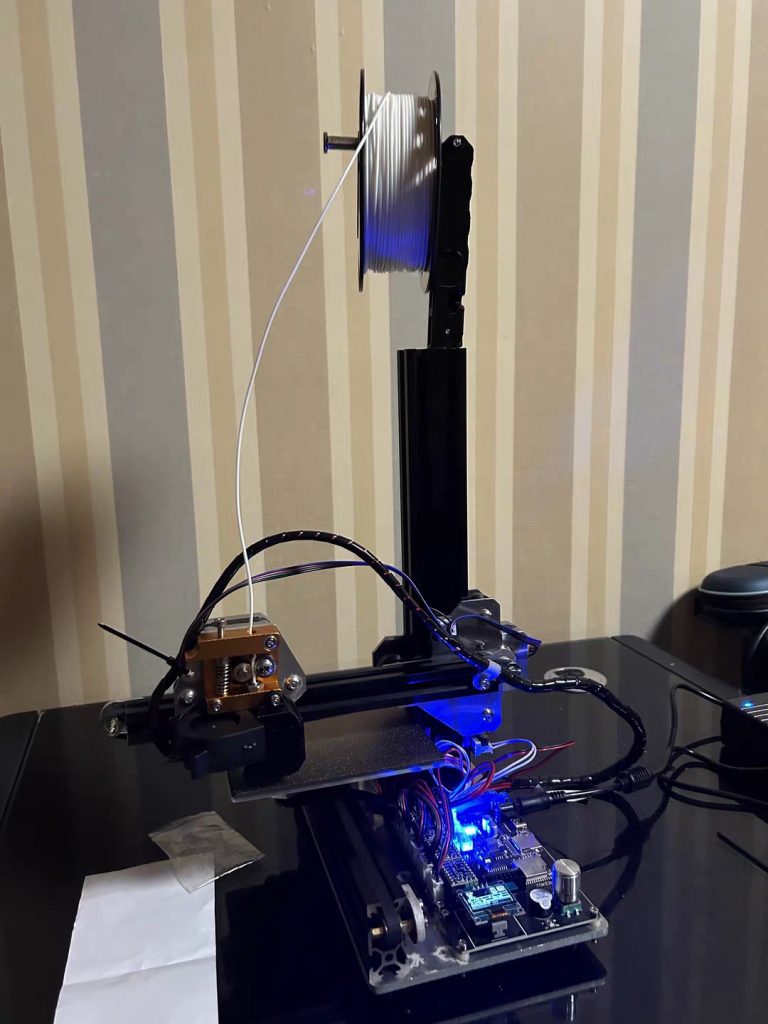
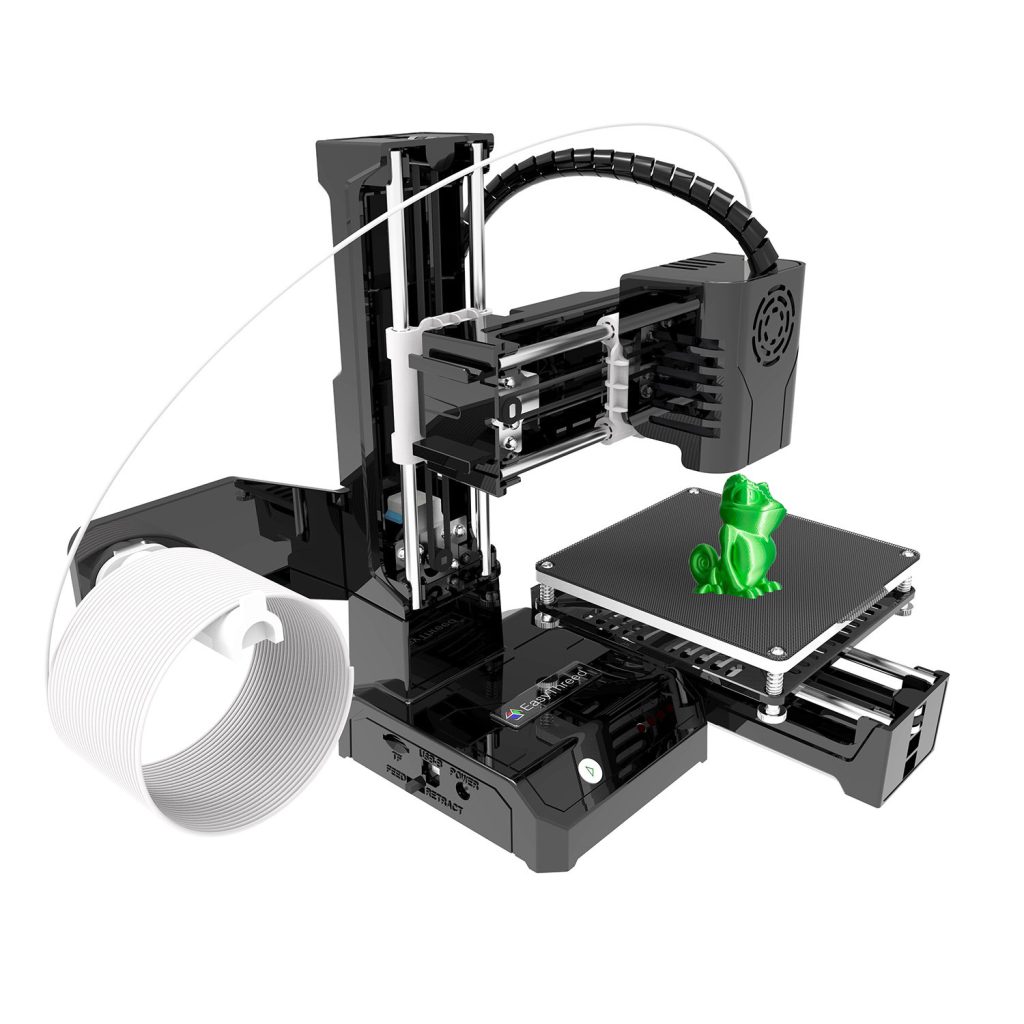
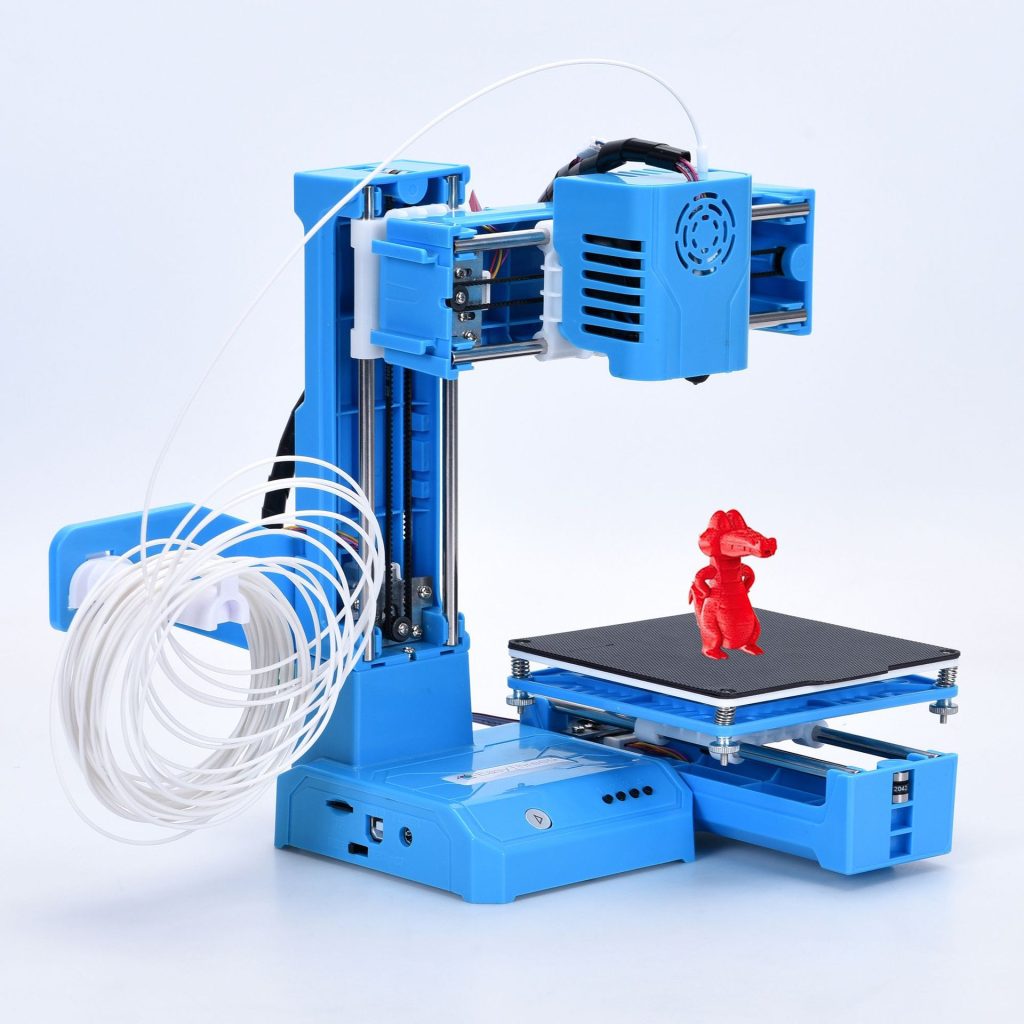
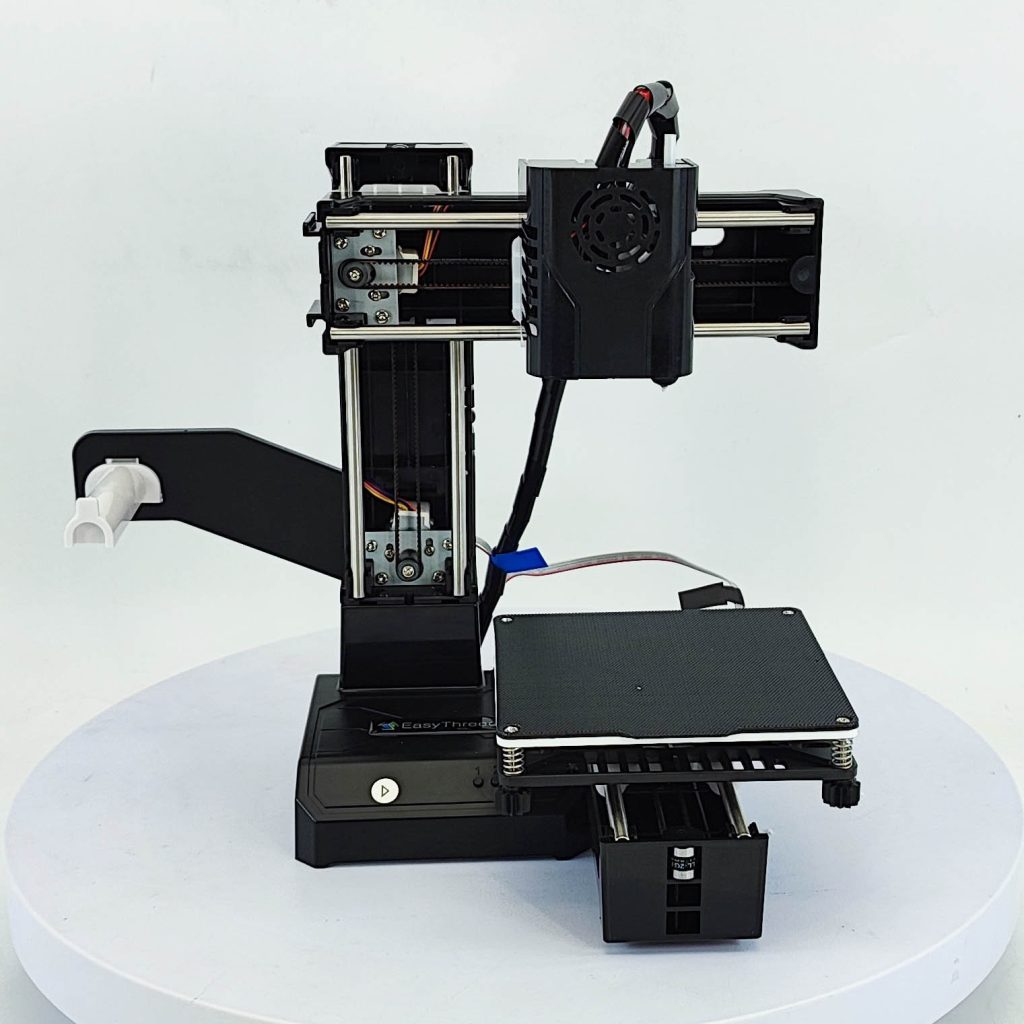
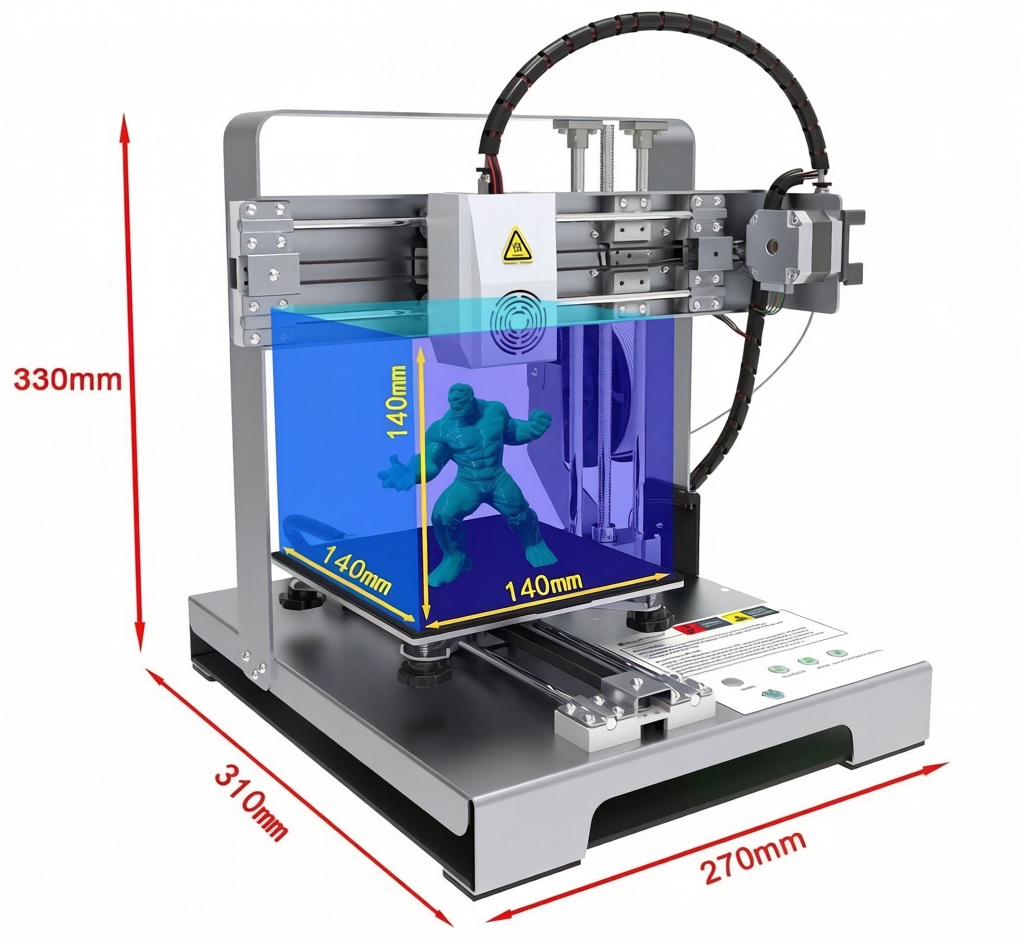
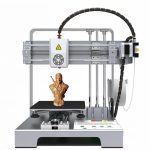
The proliferation of additive manufacturing into the domestic sphere represents a shift in how individuals approach creativity and problem-solving. However, the transition from industrial production floors to home offices and living spaces introduces a distinct set of spatial and technical constraints. The entry-level desktop FDM 3D printer, specifically engineered with a compact footprint of approximately 27×31×33cm, addresses these challenges by delivering professional-grade fabrication capabilities within the limited real estate of a standard desk.
1. Spatial Efficiency and Ergonomic Integration
The physical dimensions of a device dictate its suitability for home use. A 27cm depth and 33cm height allow the unit to coexist with monitors, laptops, and peripherals without dominating the workspace. This ergonomic consideration is critical for hobbyists who often operate in multi-functional areas such as bedrooms, studies, or garages.
Unlike industrial machines that require dedicated ventilation systems, this class of printer is designed for passive environmental integration. The reduced mass and thermal output mean it can be safely positioned on IKEA-style desks or apartment workbenches, making advanced manufacturing technology accessible to urban dwellers with limited square footage.
2. Material Versatility for Creative Applications
Despite its modest size, the machine supports a wide array of 1.75mm filament types, enabling diverse creative outputs:
-
PLA (Polylactic Acid): The preferred material for artistic sculptures and decorative items due to its low odor and ease of post-processing.
-
PETG (Polyethylene Terephthalate Glycol): Utilized for functional household repairs, such as custom drawer handles or cable organizers, where durability is paramount.
-
Flexible Filaments: Employed in the creation of wearable art, phone grips, or custom RC car tires, leveraging the short filament path to prevent extruder jams.
The 140mm³ build volume is perfectly suited for the scale of domestic projects. Whether creating bespoke board game miniatures, replacement parts for kitchen appliances, or personalized gifts, the machine’s capacity aligns with the actual output needs of a home creator.
3. Noise Reduction and Operational Discretion
A significant barrier to home adoption is acoustic noise. High-frequency fan noise and stepper motor whine can disrupt household activities. Advanced entry-level models incorporate silent stepper drivers (such as TMC2209 chips) and vibration-dampening feet to minimize operational sound. This allows the printer to run overnight or during work hours without becoming a source of domestic friction.
Conclusion
The entry-level FDM 3D printer is more than a scaled-down industrial tool; it is a purpose-built instrument for domestic innovation. By balancing a compact physical profile with robust material compatibility and quiet operation, it empowers individuals to transform digital concepts into tangible reality without compromising their living environment.
Frequently Asked Questions (FAQ)
Q1: How difficult is the initial setup for a first-time user?
A: Setup is typically plug-and-play. After unboxing, users usually only need to load the filament spool and run an automatic leveling sequence, which takes approximately 10–15 minutes.
Q2: What is the expected noise level during operation?
A: With silent stepper drivers and optimized firmware, the noise level is generally around 50dB, comparable to a quiet conversation or a running refrigerator. This makes it suitable for placement in shared living spaces.
Q3: Can the printer handle abrasive filaments like wood-fill or glow-in-the-dark?
A: While it can process these materials, frequent use of abrasive filaments will wear down the standard brass nozzle. It is recommended to upgrade to a hardened steel nozzle if planning to print abrasive materials regularly.
Q4: How much maintenance is required to keep the machine running smoothly?
A: Maintenance is minimal. Users should periodically clean the print bed with isopropyl alcohol and check for dust on the linear rods. Lubrication of moving parts is typically only required every few months.
Q5: Is it safe to leave the printer unattended overnight?
A: While modern printers have thermal runaway protection, it is always recommended to use a smart plug or a fireproof enclosure if leaving the machine unattended for extended periods, especially when printing materials other than PLA.


No reply content